24/7/365 — fast, accountable, documented

24/7 Remote Hands Support

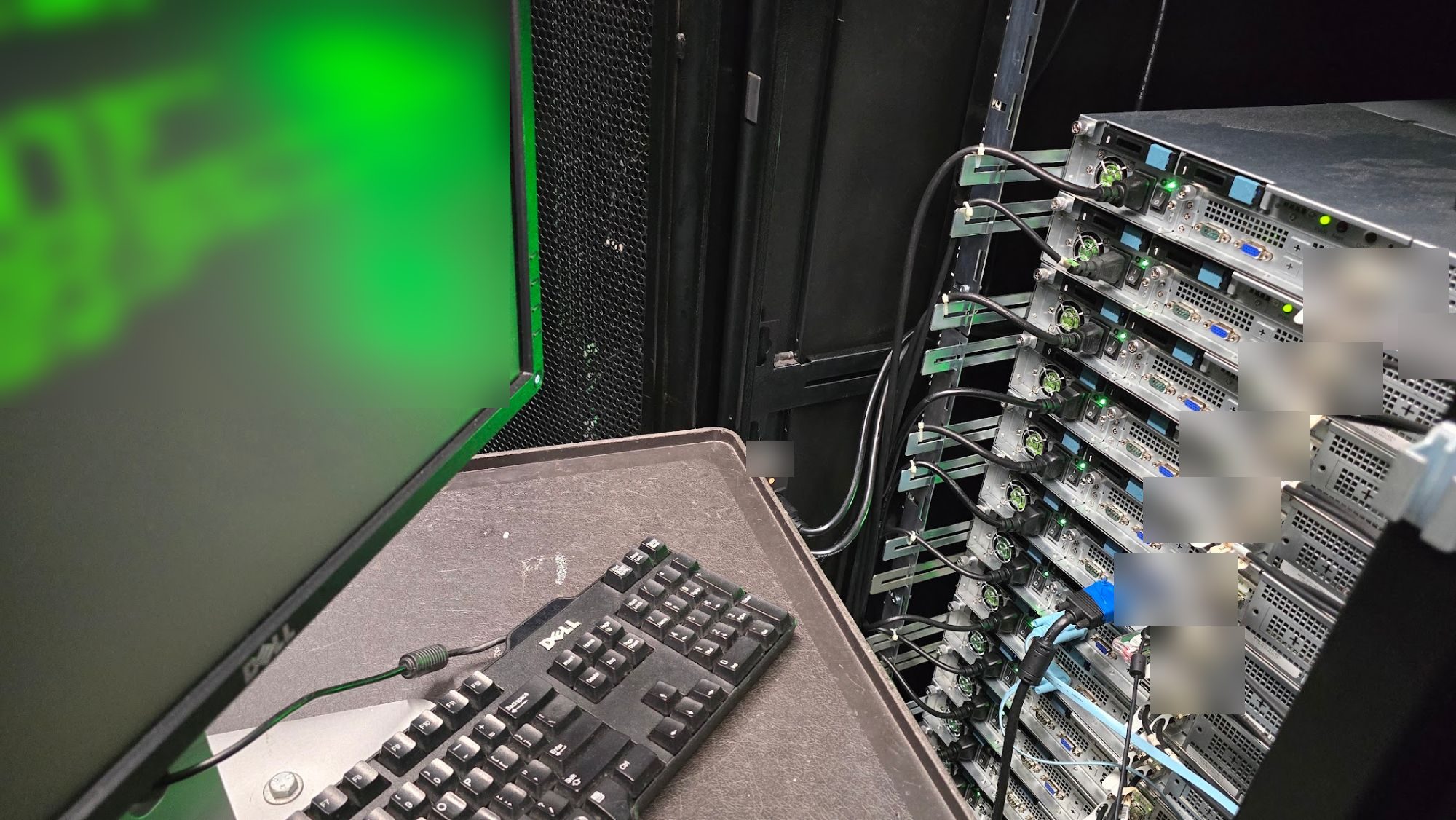
Remote hands is remote-directed data-centre work: power cycles, cable reseats, visual checks and simple swaps under your instruction. Escalate to smart hands when the job needs skilled judgement on site.

Immediate on-site technical assistance in Sydney's top data centres. Server reboots, visual checks, and basic port verifications executed in minutes — any time, day or night.

Quick facts (citable)

  • Definition — remote-directed on-site tasks (reboot, reseat, visual checks, simple swaps) under your instruction
  • Escalation — becomes smart hands when judgement, cabling or complex hardware work is required
  • Where — Sydney colo facilities; pair with 24/7 smart hands for deeper work
  • Contact — 0407 453 817 · eWEB TEC since 2003
< 90 min
Average on-site arrival
24/7/365
Technician availability
6+
Major Sydney DCs covered
Minutes
Task completion for most jobs

What Remote Hands Covers

Quick, non-intrusive tasks that your infrastructure needs a human hand for — without waiting for a full engineering visit.

Server Reboots & Power Cycling

Hard or soft reboots of your servers, storage, or network equipment executed immediately on request — no waiting for scheduled maintenance windows.

Visual & LED Status Checks

Physical inspection of your hardware for fault LEDs, loose cables, drive bay status, or anything that remote monitoring can't see.

Cable & Port Verification

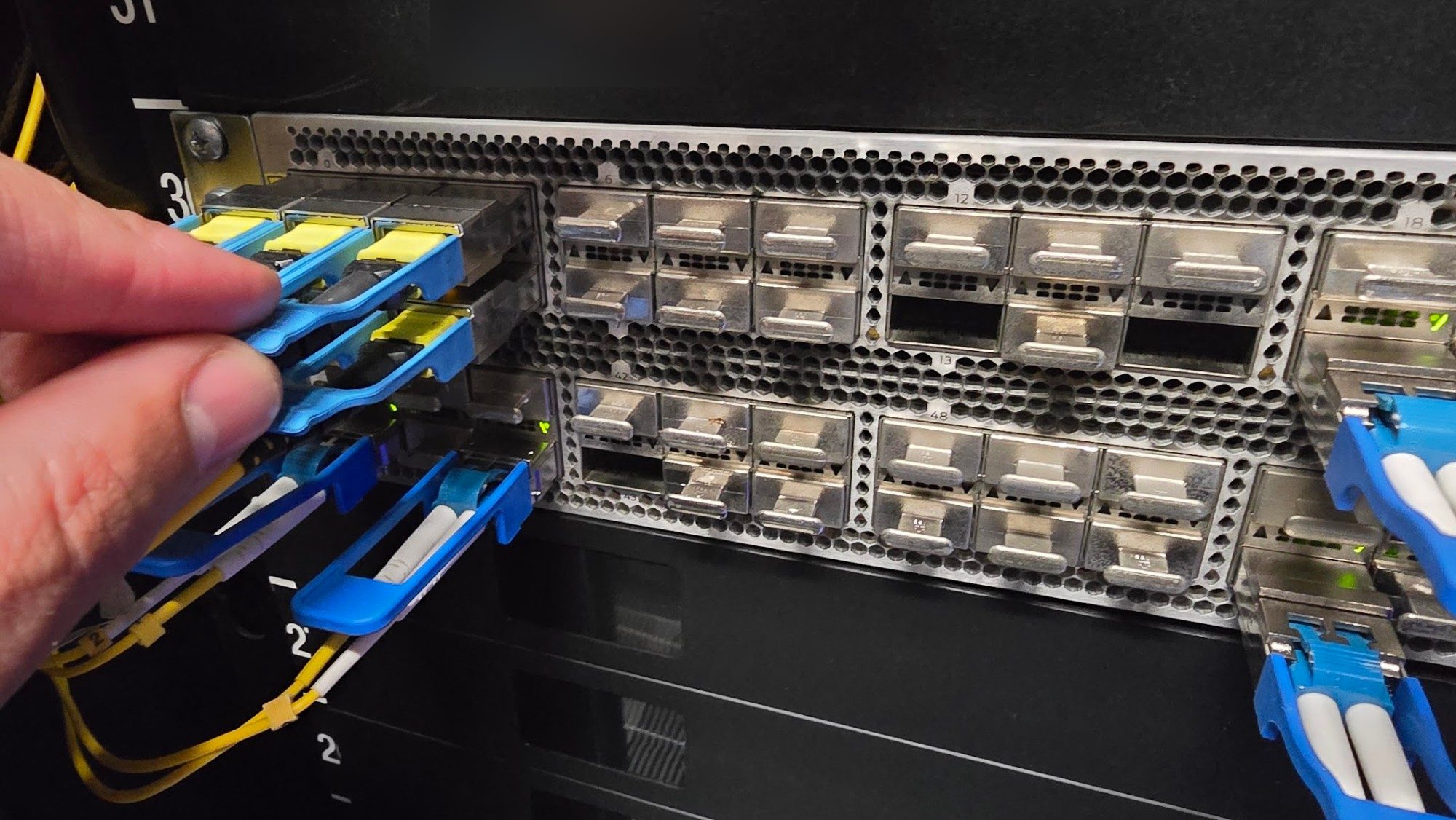
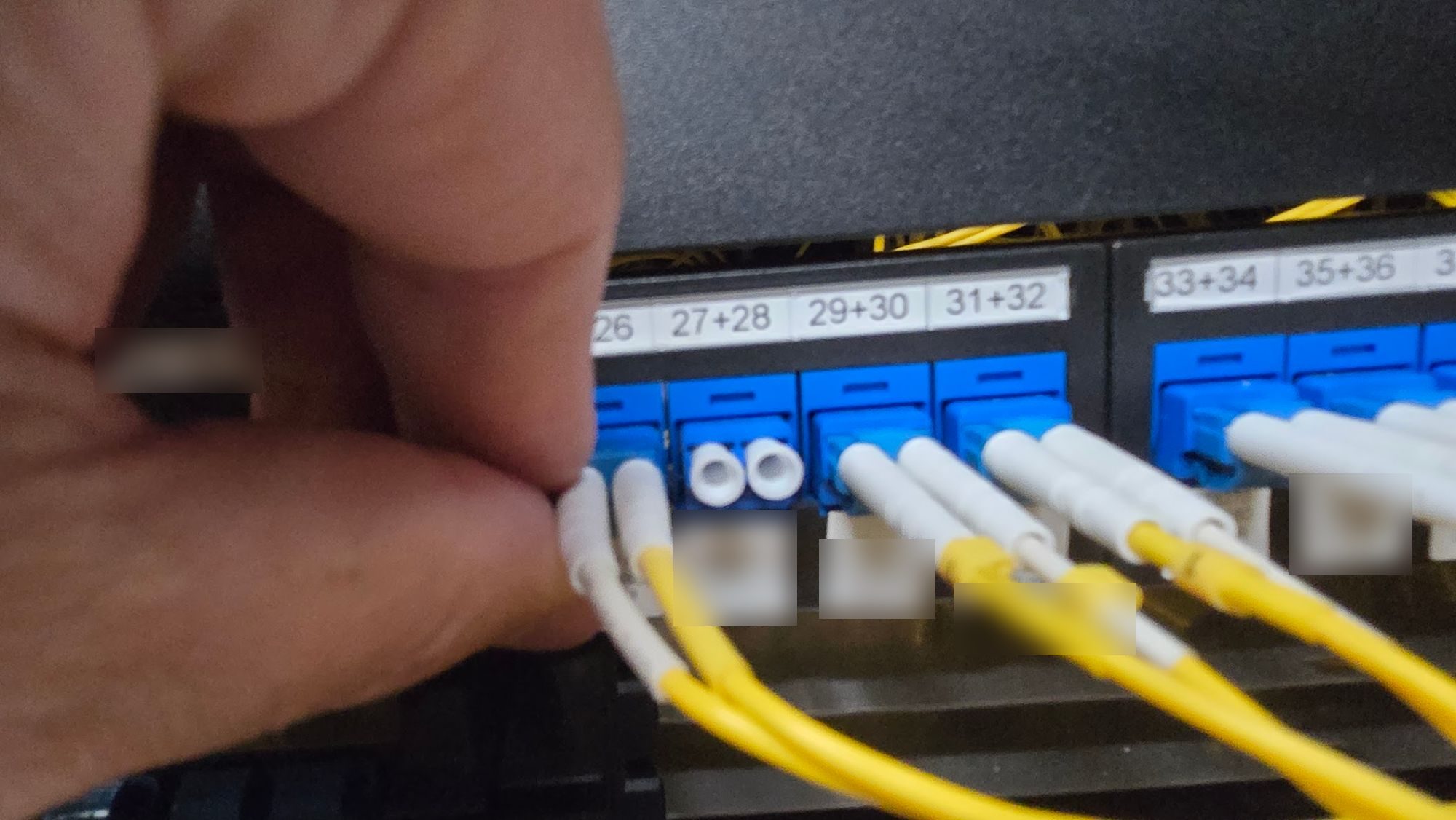
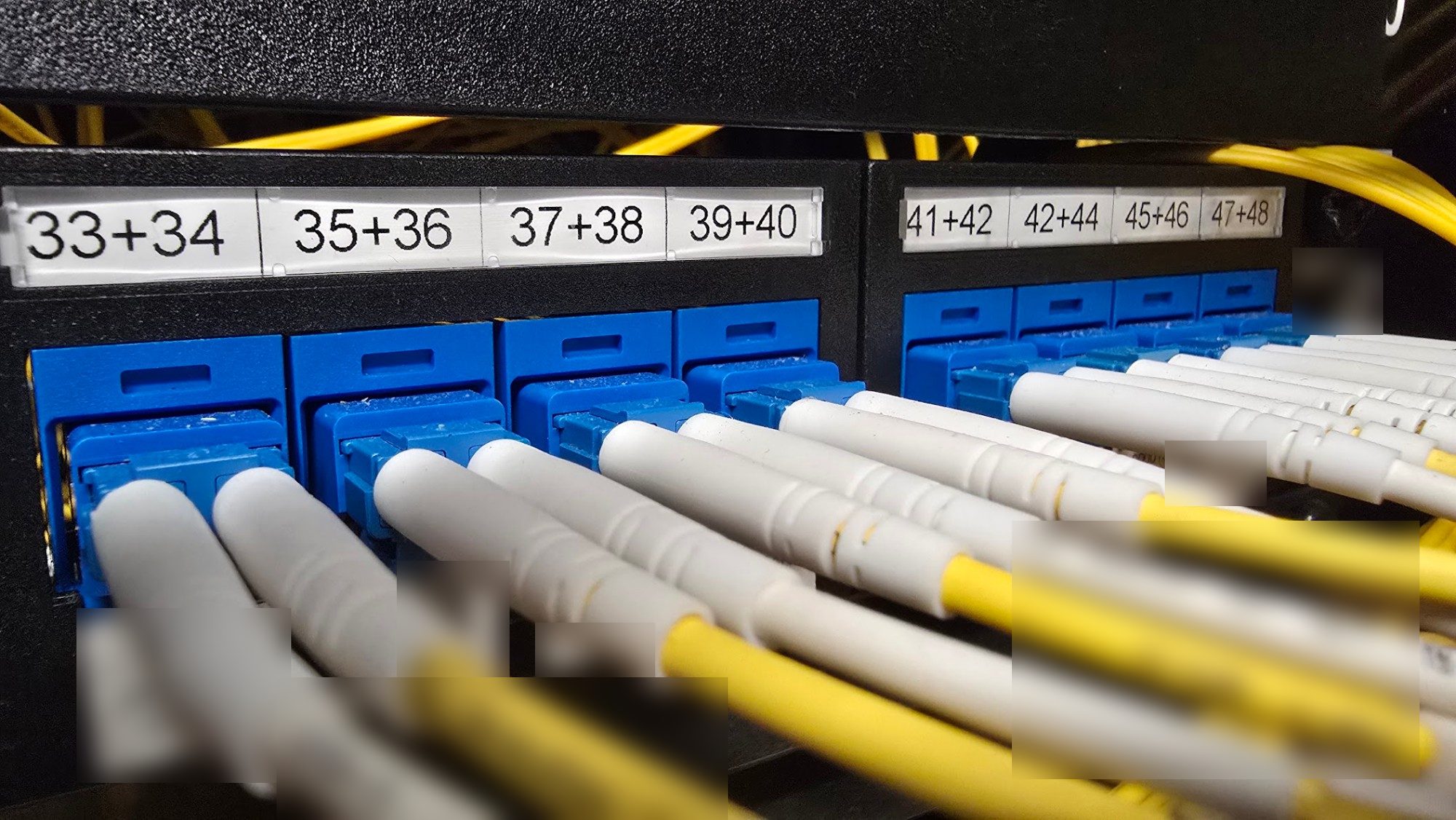
Confirm a cable is seated, a transceiver is installed, or a fibre patch is connected to the correct port — fast, accurate, documented.

Console & KVM Access

Connect a crash cart or KVM device to your server so your engineers can get console access when out-of-band management isn't available.

Device Resets & Interventions

Reset a locked IPMI, press a stuck power button, or intervene physically on any device that needs a human hand rather than a remote command.

Media & Small Parts Handling

Insert or remove USB drives, swap transceivers, or swap a failed drive in a hot-swap bay — quick tasks that don't require an engineering engagement.

Remote Hands vs Smart Hands — Which Do You Need?

Remote Hands

  • Server or device reboots
  • Visual LED / status checks
  • Cable and port verification
  • KVM / crash cart connection
  • Drive and transceiver swaps
  • USB media insertion / removal
  • Basic ticket and compliance logging

Smart Hands

  • Full rack & stack deployments
  • Structured cabling projects
  • Hardware replacement (CPU, RAM, MBD)
  • Router & switch configuration
  • Advanced fault diagnostics
  • Hardware logistics & receiving
  • Detailed completion reports & photos

How It Works

From your request to task confirmation in four simple steps.

01

Submit the Request

Email, call, or use our portal to log the task. Include the rack location, equipment details, and exactly what you need done. Urgent tasks get an immediate response.

02

Confirmation & Dispatch

We confirm the task details, verify access at the facility, and dispatch the nearest available technician. You'll receive an ETA within minutes.

03

Task Executed

Our technician performs the task exactly as specified, providing live updates via phone or ticket. Simple tasks are typically completed within minutes of arrival.

04

Confirmation & Log

You receive a confirmation once the task is done, with a timestamped log entry you can use for change records or compliance documentation.

Facilities We Cover

Active site clearances at every major Sydney data centre — no delays, no approval waiting time.

Global Switch Sydney
Equinix SY1 / SY3 / SY4
NextDC S1 / S2
AirTrunk SYD01
Macquarie Data Centres
Vocus Sydney

How We Work

What working with us in a Sydney data centre actually involves.

Sydney data centre coverage

Equinix SY1–SY5, NextDC S1/S2, Global Switch Ultimo, AirTrunk SYD01, Macquarie and Vocus — we work to each facility's own access and escort rules.

Ticket logs you can audit

Every task comes back with what was done, when, and by whom — detailed enough to satisfy a change-management process.

Directed work, no improvisation

We execute the MOP you supply. If what we find does not match the runbook, we stop and call you rather than guess.

Available outside business hours

Maintenance windows and hardware failures do not keep office hours, so neither does the phone.

Ready to talk?

Call 0407 453 817 or send a message — we will call you back.

Artarmon NSW 2064 · Warriewood NSW 2102 · Sydney data centres 24/7

Frequently asked questions

What is Remote Hands?

Remote Hands refers to basic technical assistance provided by our on-site data centre technicians. It covers simple tasks that don't require specialist tools — such as rebooting a server, checking physical port status, swapping a drive, or inserting a USB.

Do you do remote hands in Dallas or Phoenix?

No. Remote hands from eWEB TEC is Sydney metro data centres only: Equinix SY1–SY5, NextDC S1/S2 and Global Switch Ultimo. US colocation halls are a different market.

How quickly can Remote Hands be executed?

Because Remote Hands tasks are straightforward, they can typically be executed within minutes of our technician arriving on-site. We aim to have someone at the facility within 60–90 minutes of a standard request, and faster for urgent tickets.

What is the difference between remote hands and smart hands?

Remote Hands covers basic, non-intrusive tasks — reboots, visual checks, cable verification, media swaps. Smart Hands involves complex engineering work: hardware replacement, advanced troubleshooting, full rack deployments, and network configuration.

Are your technicians available 24/7?

Yes, our data centre support teams are available 24 hours a day, 7 days a week, 365 days a year to ensure your infrastructure stays online whenever you need us.

Which data centres do you cover?

We cover all major Sydney colocation facilities including Global Switch, Equinix (SY1, SY3, SY4), NextDC (S1, S2), AirTrunk SYD01, Macquarie Data Centres, and Vocus.

Do you provide documentation of the work done?

Yes. Every Remote Hands task is logged with a timestamped record of what was done, by whom, and the outcome. This can be used directly for your change management and audit records.