Last reviewed: 30 Sep 2026
PC & Mac Repair: When to Fix vs When to Replace
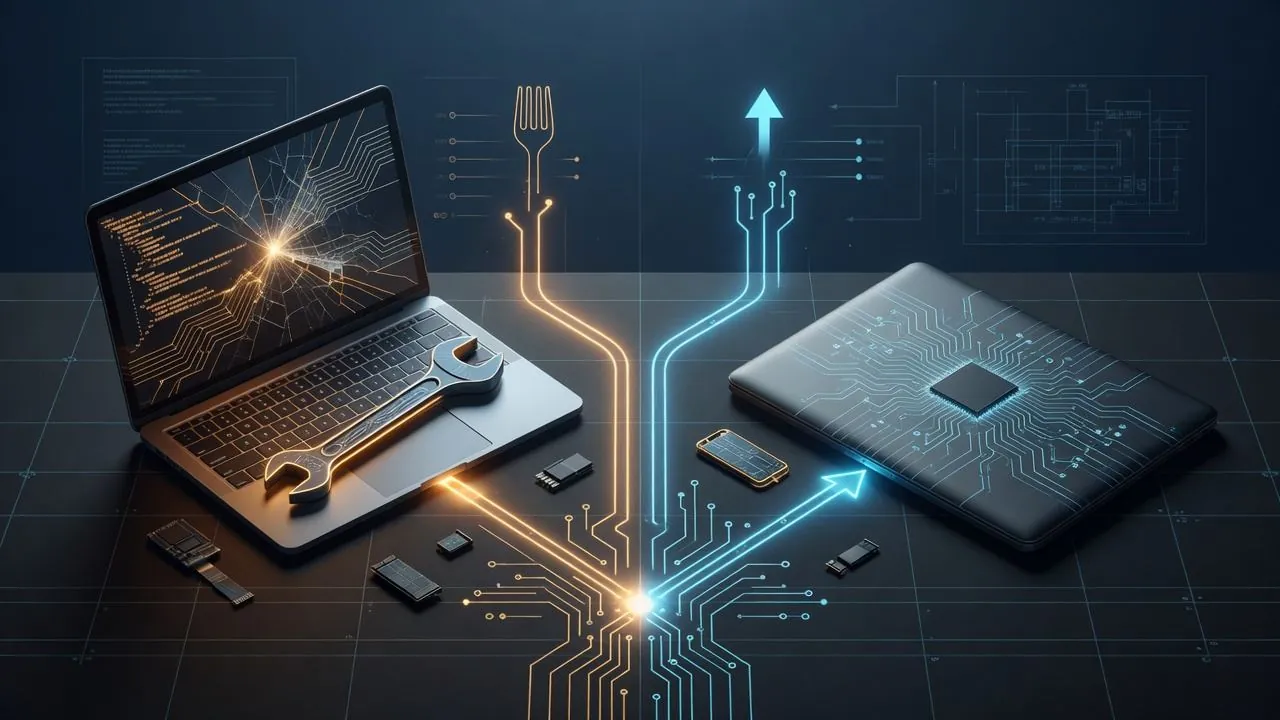
Fix the machine when a single failed part or software issue is cheaper and faster than replacing the whole unit and migrating data. Replace when the device is old, fails repeatedly, or the repair approaches the cost of a reliable new or refurbished system. On the Northern Beaches and North Shore, an on-site diagnosis often answers that question before you buy anything.
On this page
Usually worth repairing
- Failed hard disk or SSD (with data recovery or clean OS rebuild)
- Faulty charger, battery or power jack on an otherwise healthy laptop
- Malware or browser hijacks that slow a still-capable PC or Mac
- RAM upgrades or storage upgrades that restore snappy performance
- Recent machines still under economic life (roughly under 4 to 5 years for office laptops)
Usually better to replace
- Logic board or multiple component failures on an ageing unit
- Screens plus boards plus batteries stacking into a high quote
- Machines that cannot run current security updates or Microsoft 365 reliably
- Business-critical staff machines where waiting on rare parts costs more than a swap-out
Windows 10 PCs: the date that decides it
Microsoft ended support for Windows 10 on 14 October 2025 (Microsoft). What happens next depends on whether the PC is a home machine or an office machine. Both still have to be on version 22H2.
A home PC can enrol in the consumer Extended Security Updates programme any time until it ends on 12 October 2027. Cover already in place continues through that date. Enrolment is free when PC settings sync to a Microsoft account, or it costs 1,000 Microsoft Rewards points, or a single payment of AU$44.95 including tax. One licence covers up to 10 devices. The Microsoft account has to be an administrator and cannot be a child account. Consumer enrolment is not for a PC in kiosk mode, joined to an Active Directory domain, joined to Microsoft Entra, or enrolled in mobile device management. A PC that is only registered with Microsoft Entra, and not joined, can still use it. If a home PC later joins a domain or device management, the consumer enrolment is suspended. Consumer enrolment cannot be used for office work. It does not include technical support or feature updates.
An office PC uses the commercial programme. Microsoft sells Year One through volume licensing at US$61 per device. The price doubles every consecutive year, for a maximum of three years. Microsoft publishes that Year One figure and the doubling rule, and does not print Year Two or Year Three amounts on the page. Year 1 ended on 13 October 2026; Year 2 runs to 12 October 2027 and Year 3 to 10 October 2028 (lifecycle dates). Qualifying editions are Enterprise, Education, and Pro in commercial use. Buying a later year means buying the earlier years as well. The updates are Critical and Important security fixes only. Windows 10 virtual machines on Windows 365, Azure Virtual Desktop, Azure virtual machines and the other Azure services named on that page get these updates at no extra cost.
Windows 11 has its own cutoff. Version 24H2 on Home, Pro, Pro Education and Pro for Workstations stopped receiving updates on 13 October 2026. On Enterprise, Education, IoT Enterprise and Enterprise multi-session, version 24H2 runs to 12 October 2027. Version 25H2 on Home and Pro runs to 12 October 2027 (Microsoft supported versions, updated 29 September 2026).
Windows 11 needs a TPM 2.0 chip and a supported processor. Many office PCs bought before about 2018 fail that check, and no repair changes it. For those machines, replacing is usually the cheaper path than paying for ESU year after year.
Mac-specific notes
Soldered storage and batteries change the economics. Data-first diagnosis matters: image or recover files before invasive work. We service both PC and Mac for Northern Beaches and North Shore clients. Start at computer repairs Northern Beaches, or the local page for Dee Why.
A simple decision rule
If repair is under about a third of a solid replacement and the device will stay secure and useful for another year or more, repair. If not, replace and migrate cleanly (accounts, files, email and printers) so staff are not offline twice.
Not sure it needs a repair at all? Run the 10 checks to try before you call a technician first.
FAQ
Can you recover my files if the drive failed?
Often yes for mechanical and logical failures; success depends on damage. We assess recovery options before destructive steps.
How quickly can you look at it?
It depends on the fault and on parts. We diagnose and quote on the first visit, before any repair starts.
Should the business buy spare laptops?
A single hot-spare laptop with standard apps cuts downtime for small teams more cheaply than emergency shipping every quarter.
Is it worth repairing a Windows 10 PC?
Only if it can move to Windows 11, or you will pay for Extended Security Updates. A home PC can use the consumer programme until 12 October 2027: free when settings sync, 1,000 Rewards points, or AU$44.95 including tax. An office PC is on the commercial programme. Year One is US$61 per device and the price doubles each year. Year 1 ended on 13 October 2026. Windows 11 version 24H2 on Home and Pro stopped receiving updates on the same day. An unpatched PC is a security risk on a business network.
Related service: Computer repairs Northern Beaches · contact eWEB TEC.
Need a repair quote today?